


Trusted by These Amazing Customers








Receive Files From Customers
Receive files directly, set up users, or customize upload forms for file submissions directly from your website.





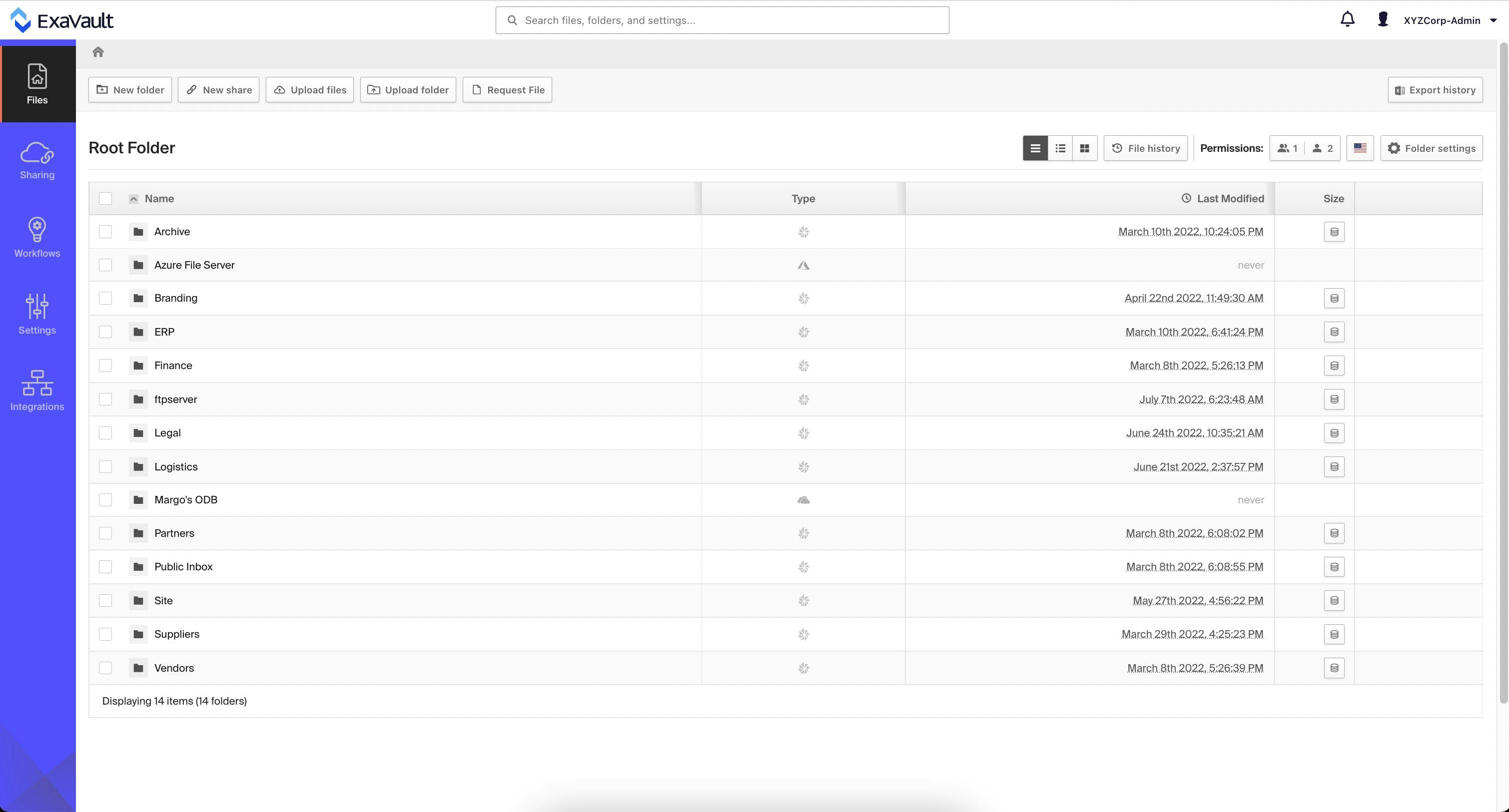
Beautiful Web-Based File Management on Any Device
All your files and folders in one easy-to-manage interface. Search, click, and share with simple file transfer operations that help you connect and get things done quickly.


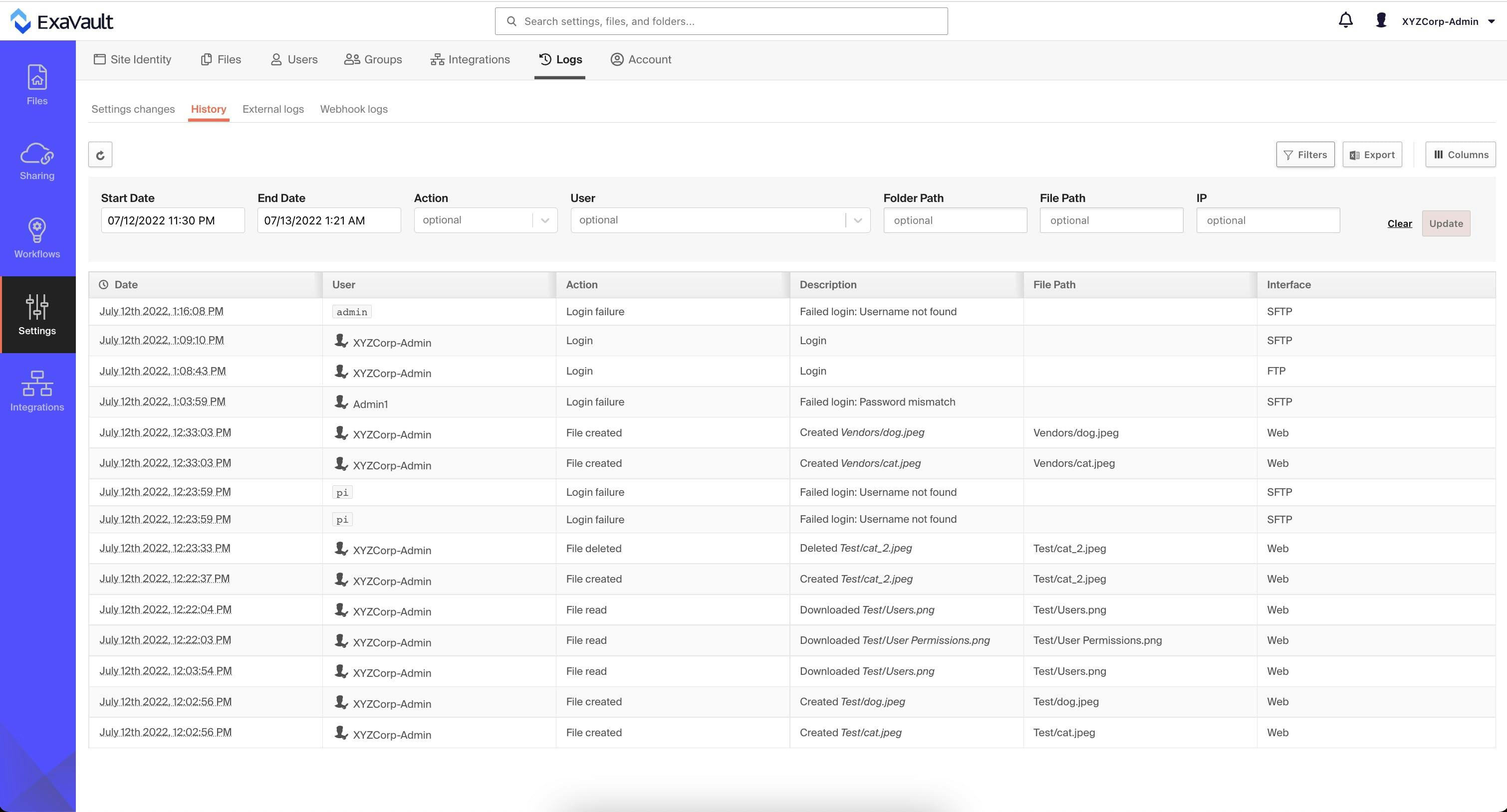
Track Activity with Logs and Statistics
Our comprehensive logging and statistics engine lets you view activity at a glance or drill down for more detailed insights into your account activity.


Customize Your Security
Controlling access to your data is a foundational pillar of business security. Our flexible permissions model and advanced security features let you decide who can access your data, and for how long.


Trusted by more than one million users.


"Does exactly what was promised so I couldn’t improve it. First class product."
~Vance Harris, Miko Computers Limited






ExaVault has been rated 4.9 out of 5 on TrustPilot.


© 2022 ExaVault LLC. All Rights Reserved. ExaVault is a registered trademark of ExaVault LLC.